Key takeaways
- A static Astro site gave me direct control over performance, content, metadata, and accessibility.
- Astro content collections made it practical to migrate 50 projects and 251 source images.
- Cloudflare Pages Functions let a mostly static portfolio support a secure custom inquiry workflow.
What started in June as a quick experiment with AI-assisted design quickly snowballed into a complete rebuild of my portfolio.
Initially, my goal was simple: cancel my Adobe Creative Cloud subscription within a year to reduce my monthly overhead. Because Adobe Portfolio is bundled with that plan, leaving meant I needed a new home for my website. But as I looked closer at my daily web development workflow, I realized I was holding onto expensive paid tools purely out of habit. With the rise of AI, I found myself relying less and less on applications like Photoshop and Illustrator.
That realization quickly spilled over into my development workflow. If I no longer needed heavy design apps, I realized I didn’t need a heavy CMS like WordPress or Elementor for a simple portfolio, either. It gave me the push to step away from traditional site builders and learn Astro. I wanted to prove a point: it is entirely possible to design, build, deploy, and host a custom, lightning-fast website using free or low-cost tools without sacrificing quality or security.
Building the site this way made one thing abundantly clear: leaving a hosted platform like Adobe Portfolio is rarely just about changing templates. It is about taking total ownership of your workflow, your content, and your website’s performance. Whether I am building my own portfolio or handling a website redesign and migration for a client, the goal is the same: to stop letting a platform limit what a site can do.
Here is how I built a leaner, faster, and completely custom system for my own portfolio website.
The messy reality of prototyping with AI
Before writing a single line of framework code, I needed a safety net. I used httrack to clone my live Adobe Portfolio site to a local archive, preserving years of project copy, dates, and original images so nothing was lost in the transition.
With my content backed up, I started designing six standalone HTML prototypes: Home, About, Work, Services, FAQ, and Project detail. I initially tested Claude Cowork to help generate the layouts, but I quickly ran into a wall. The early output was bloated with duplicate styles, obvious AI slop, and I was burning through my usage limits so fast that the subscription was no longer cost-effective.
I needed a leaner and less costly approach. I shifted my entire environment to Visual Studio Code, using GitHub Copilot’s free tier for rapid coding. Eventually, I layered in ChatGPT Codex and the DeepSeek API on their cheapest tiers. This created a focused, cost-effective suite of AI assistants that helped me clean up the HTML and CSS without the heavy recurring software costs.
Astro, Cloudflare, and a new way to work
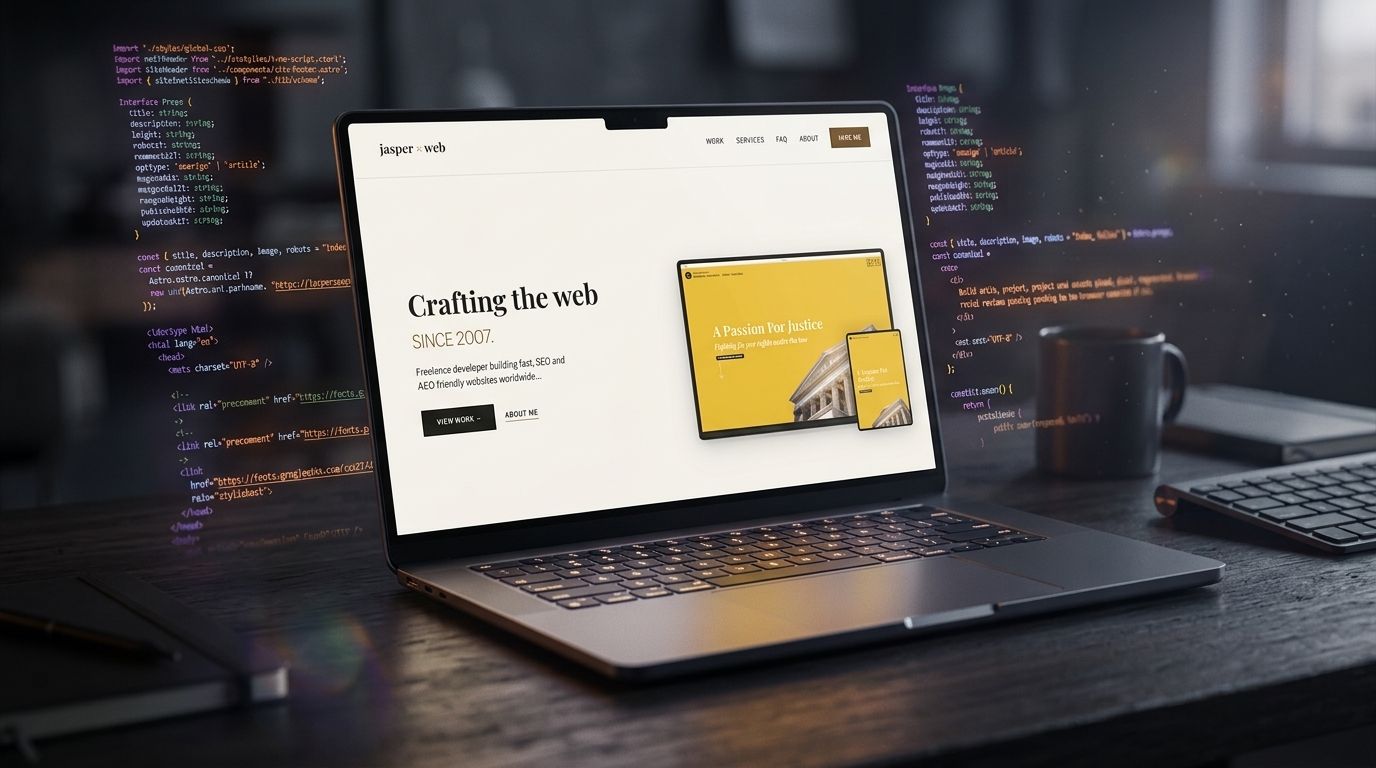
Once the static HTML looked right, it was time to bring it to life. I chose Astro 4, largely motivated by its reputation for generating fast websites. Because my portfolio is highly content-driven, Astro was a good fit: visitors receive clean HTML and CSS without a heavy client-side JavaScript bundle.
For hosting, I decided to test Cloudflare Pages because of its robust free tier, which eliminated the need for traditional paid hosting for this project.
Both Astro and Cloudflare Pages were new territory for me. Instead of reading documentation without a concrete goal, I used AI tools as research partners—evaluating framework patterns and working through configuration steps in real time. Completing an actual migration gave me more practical knowledge than passive reading could.
This hands-on experience reinforced a core principle of my work: matching the technology to the project’s actual needs. I regularly build and support robust WordPress and Elementor Pro sites for clients who require a dynamic Content Management System (CMS). However, because my portfolio is essentially a collection of static case studies, it did not need the complexity and overhead of a database. Instead, I opted for Astro’s Markdown content collections to handle all 50 projects and 251 source images, using VS Code’s AI agents to quickly pull everything over from my backup.
Moving the content was only half the battle; serving those 251 images efficiently was the other. In a traditional setup, I would have to manually resize each file or install optimization plugins. Instead, Astro’s native tools take over. The framework generates perfectly sized, responsive WebP and AVIF formats automatically at build time, keeping the site incredibly fast right out of the box.
Lifting the hood on SEO and accessibility
When you use a hosted platform like Adobe Portfolio, technical details are handled behind the scenes. That convenience is great— until you need to customize your SEO or figure out why a page isn’t ranking. Building with Astro meant taking the steering wheel, allowing me to build a much stronger, more transparent foundation.
I wove technical SEO directly into the layout’s architecture. Instead of relying on a platform’s default settings, I established page-specific canonical URLs, exact Open Graph metadata for social sharing, and structured data to help search engines properly index my work. Just as importantly, I implemented 301 redirects for every legacy Adobe Portfolio URL. This ensures that any existing backlinks or bookmarked pages seamlessly pass their value to the new site without hitting a dead end.
I also took this opportunity to replace fragile client-side scripts carried over from a previous iteration with sturdy, progressive HTML. For example, I stripped out an old JavaScript-dependent “load more” interaction and replaced it with static, crawlable pagination. Now, every single project is easily discovered by search engine bots and remains fully functional for visitors, even if their browser scripts fail or load slowly.
Solving the contact form problem without a server
Because the site is mostly static, I faced one major technical hurdle: how could I build a custom project inquiry form without paying for a traditional backend server or building the form using an external service?
To solve this problem, I switched Astro from a completely static build to a hybrid output using the Cloudflare adapter. This allowed me to keep the form page pre-rendered for speed, while running the actual submission endpoint dynamically as a serverless Cloudflare Pages Function. Once a form is submitted to that endpoint, Cloudflare Turnstile steps in to block spam, and Brevo’s API securely delivers the clean inquiry straight to my inbox.
It was not seamless immediately. During testing, the form returned a stubborn 502 Bad Gateway error. Serverless logs revealed that Brevo was rejecting the message because the form summary used a .md attachment. Changing the extension to .txt fixed the issue. It was a practical lesson in tracing failures across a serverless workflow in Cloudflare.
The value of taking ownership
After thorough local verification, I moved the staging build through the release process and pointed the the live domain to my finished site.
Moving away from Adobe Portfolio required substantially more effort than choosing another template, but the investment produced three clear returns:
- Lower ongoing costs: By separating my workflow from the Adobe ecosystem and using Cloudflare Pages, I now have the freedom to eliminate my costly Adobe subscription and reached a zero-cost hosting setup for the site.
- Practical technical growth: The migration gave me hands-on experience with Astro, Cloudflare Pages, and an AI-assisted development workflow in Visual Studio Code and Github.
- A stronger technical foundation: Fast static pages, semantic HTML, crawlable navigation, accurate metadata, and structured data give both search engines and answer engines clearer content to interpret.
The biggest benefit is ownership. I can now shape the content model, website performance, inquiry experience, metadata, and deployment workflow around the site rather than the limits of a hosted portfolio platform.
Is your business outgrowing its current website builder or hosted platform? Tell me about the website you want to improve or migrate.
Have a website in mind?
Tell me what you’re working on and where you need help.
Start a project inquiry →